
Yellow Medicine County Civil Docket Searches
Need a remote Yellow Medicine County civil docket search? Minnesota Court Records Online (MCRO) is the statewide route. Case Search works best with a case number in hand. Only a party name? Run an exact-name search. Pick Yellow Medicine as the county. Set a reasonable filed-date range and choose Civil. From there you can reach the Register of Actions. You can also reach any documents open to remote public access.
MCRO labels the docket a Register of Actions. It is a running record rather than a one-line answer. A name search can pull up more than one person. It may also skip matters that are restricted, older, expunged, or otherwise off limits. Write down the date you searched and the filters you used. That habit makes a civil lookup easy to repeat without copying personal details you never needed.
- Open MCRO and choose Case Search.
- Use a Yellow Medicine civil case number when available, without spaces.
- Otherwise choose the Name tab, select Yellow Medicine, and narrow with Civil and a known date range.
- Open the matching case and separate events, documents, hearings, dispositions, and judgments.
- Contact Court Administration if the needed public file is not shown remotely or certification is required.
Yellow Medicine County Civil Case Numbers
Yellow Medicine County case numbers begin with county code 87. One civil format looks like 87-CV-26-000. That string is only a pattern showing county code, case type, year, and sequence, so treat it as an illustration rather than a real search target. Per MCRO's FAQ, case-number searches take letters, numbers, and hyphens; spaces trigger an error.
Document Search is the narrower tool. The official MCRO Document Search requires a case number and returns only documents open to the public through that route, so it cannot show that every filing in a civil file is visible remotely.
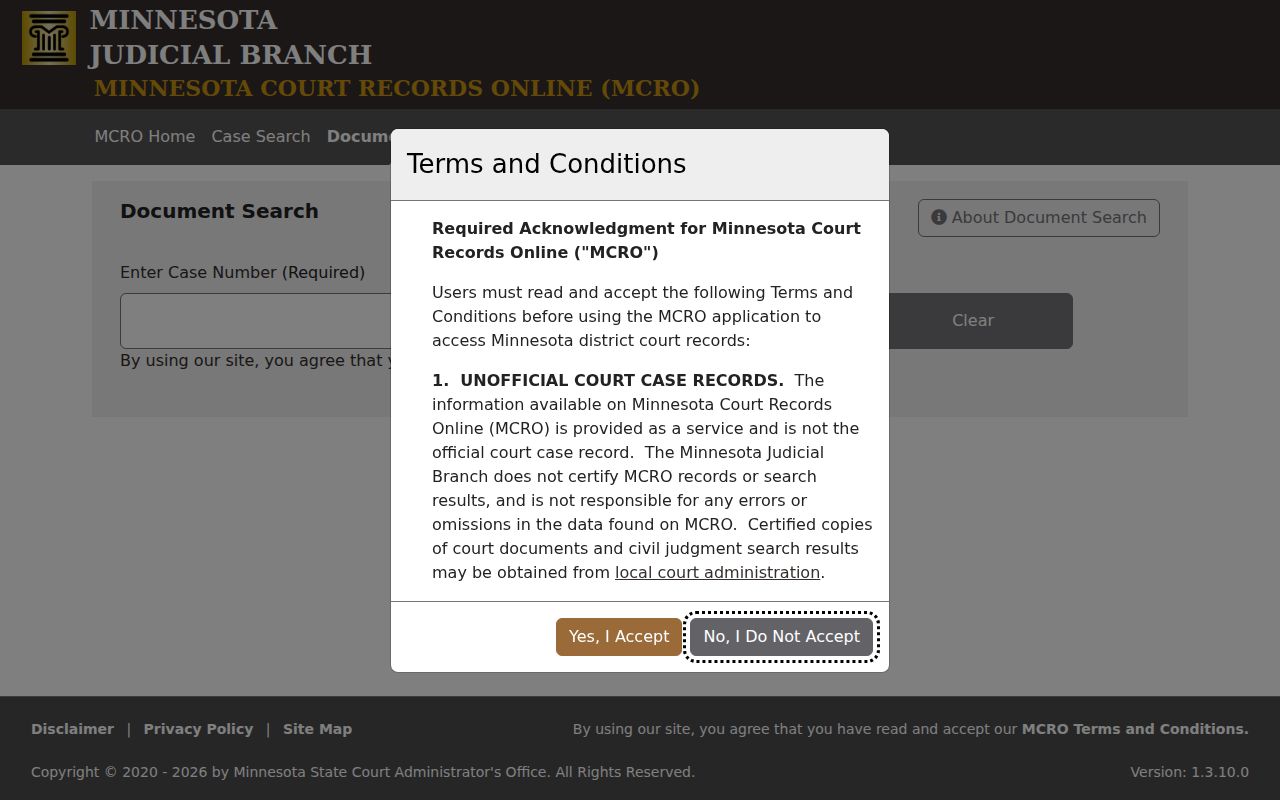
The document search screen shows why a precise Yellow Medicine County civil case number beats a broad name query whenever you already know the item you want. Fewer matches mean less digging through unrelated files.
Civil Dockets: What They Show
A civil Register of Actions can list a lot: case number, title, type, filing date, venue, judicial officer, status, flags, related cases, parties, attorneys, events, hearings, disposition, judgments, and financial information. A document link shows up beside an event only when that document is open to remote public access. No link? The event can still be listed. Missing paperwork does not erase the entry itself.
| Case information | Identifies the civil case number, title, type, filing date, venue, assigned officer, and recorded status. |
|---|---|
| Events | Lists filings or court actions in reverse chronological order. An event may have a document index number without a public attachment. |
| Hearings | Shows upcoming or past court settings. A hearing entry is not a disposition. |
| Disposition | Records an endpoint such as dismissal, settlement, judgment, or another procedural result when entered. |
| Judgment information | Can show a monetary award, parties, details, and satisfactions where the information has been collected. |
Read each field for the job it does. A settlement or scheduling conference marks a court event, not a final result. Note: A current MCRO entry is unofficial; the court supplies a certified record.
Yellow Medicine County Civil Event Records
Civil events appear newest first. An entry may show a filing or a court action without offering a viewable document. The two are separate things. An index number can sit there with no public attachment. An attachment can list unknown pages. None of that means the civil record is broken. It is just how the interface works, and knowing it saves you a wrong conclusion.
- Event
- A recorded filing or court action listed in the Register of Actions.
- Document Index Number
- An identifier associated with an event; it does not guarantee a remotely available public document.
- Hearing
- A scheduled or completed court proceeding, separate from the case's ultimate result.
- Disposition
- A recorded procedural endpoint, which may be a dismissal, settlement, judgment, or another result.
When a document is public but not online, try the courthouse terminal or Court Administration. Confidential and sealed material stays closed under the governing access rules no matter the route.
What Cases Fill the Civil Docket
Yellow Medicine civil matters are filed in District Court. MCRO keeps Civil separate from Family in its search controls. It also stays separate from Probate or Mental Health. The case detail page supplies a case type and title. Those identify a file far better than any broad label. The state court page names Yellow Medicine County District Court as the trial court with original jurisdiction over county civil matters.
| Record area | What the MCRO search view can help identify |
|---|---|
| Civil case | A civil category, the case title and type, the Register of Actions, and eligible documents. |
| Family matter | A separate search category with narrower document availability under the remote rules. |
| Probate or mental health matter | A separately identified category whose access depends on the record type and rules. |
| Federal civil matter | A different court system that is not necessarily present in Yellow Medicine MCRO. |
The category field is not an outcome. It describes how the court organizes a civil matter, not which party prevailed, whether a judgment was entered, or whether any amount was satisfied. Treat it as a sorting label only.
Yellow Medicine County Civil Judgment Details
MCRO Judgment Search covers monetary judgments in public online cases. Through the official Judgment Search, you can query by debtor name, Sounds Like, docketed date, judgment status, location, and county. The detail view may report the latest monetary award. It may also list judgment parties, judgment details, and satisfactions where collected. It is not a general sweep for every order or every financial term in a civil case. Use it for judgments specifically.
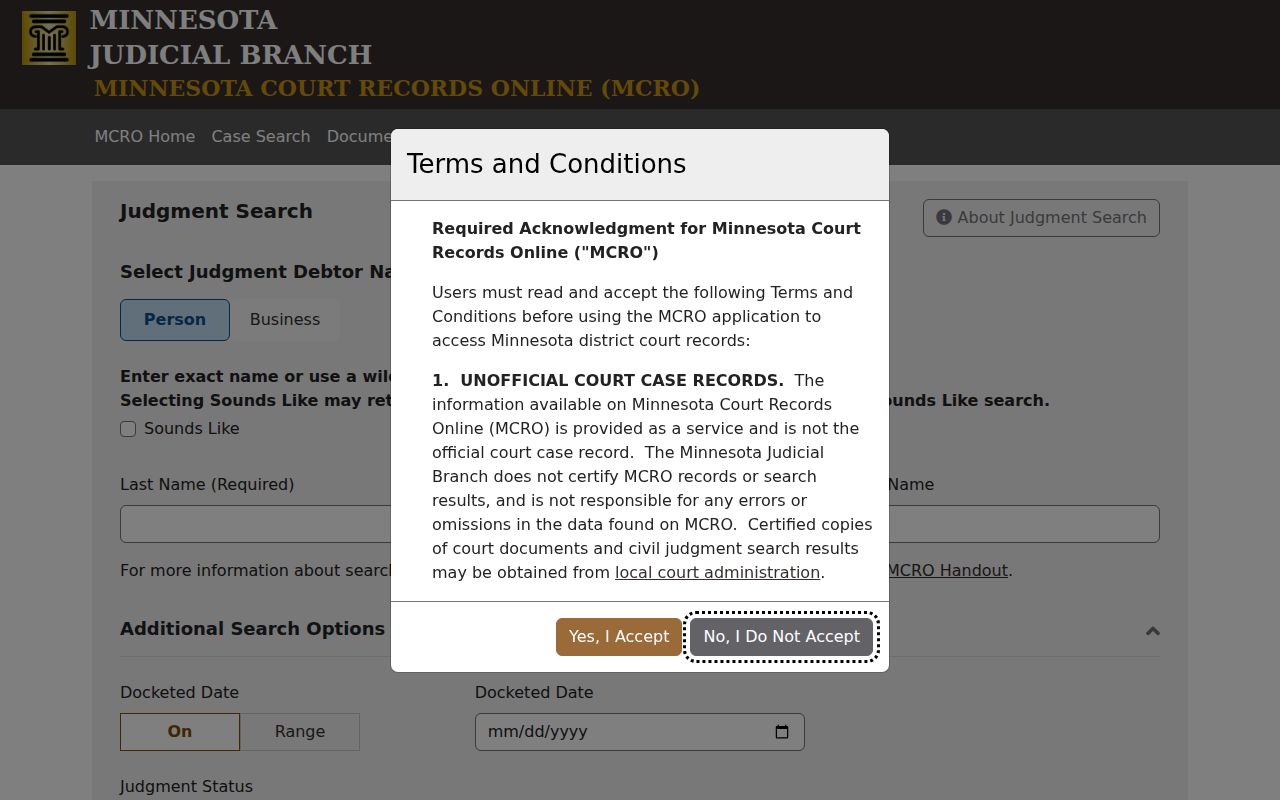
A judgment and a satisfaction are different things. A judgment can stand with no satisfaction field displayed at all, and a search result alone never proves one exists. Compare the actual record first. If you need a legally usable copy, ask the court for certification.
Hearings on the Civil Docket
Wondering when your case lands in front of a judge? Two tools answer setting questions for the Yellow Medicine County civil docket. MCRO Hearing Search works by name, case number, judicial officer, or attorney, and you can narrow results by hearing date, category, and county. The Yellow Medicine daily calendar takes a different route. It simply lists each scheduled hearing with its date and time, location, judicial officer, hearing type, connection type, and case number.
Labels you will see include Conciliation Hearing, Default Hearing, Settlement Conference, Scheduling Conference, and Hearing. The label names the kind of setting, nothing more. It never tells you how the court will rule. The online calendar posts at 7:00 a.m. on business days and gets hourly updates, though the printed version at the courthouse is still the most current one.
Yellow Medicine County Civil Calendar Checks
The online calendar is not exhaustive. Confidential cases and matters barred from remote access under Rule 8 can be left off entirely, so a missing row does not mean a hearing was cancelled or moved. If a civil hearing is close at hand, verify the case number, date, and hearing-search category, then call Court Administration or read the printed courthouse calendar to confirm.
Connection Type helps with planning. It can show whether a setting has a remote or in-person component, and the statewide remote-hearing framework tells the public to contact the court for access where that applies. Remember the limit, though. A calendar PDF is a schedule, not a stand-in for a full civil case history.
Who Can See Civil Dockets
The access rules come from the Minnesota Rules of Public Access to Records of the Judicial Branch. Rule 4 sets out a presumption that the public may see court records. That presumption bends to any rule, statute, court order, or other authority that says otherwise. Rule 8 is the one to watch for online viewing. It can restrict remote public access. That holds even when the same record may be viewed or requested through a courthouse channel.
Current access rule: The Judicial Branch identifies August 26, 2025 as the effective date for the current Rules of Public Access.
Rule 4 supplies the general public-access framework.
Rule 8 addresses remote restrictions, including records that may need a different access path.
Rule 9 provides for a written appeal to the State Court Administrator when access is denied.
Some civil dockets carry extra limits. Civil Commitment, domestic-abuse, harassment-restraining-order, and similar restricted matters are examples. If a document is absent from MCRO, call it unavailable through that remote route. Do not assume it is confidential without a basis.
Yellow Medicine County Civil Copy Requests
Costs for copies vary by product. The District Court Fees page lists plain copies, printouts, scans, and screen prints at $0. A certified copy runs $14. An exemplified plus certified copy costs $28. Official reports are $5 for one through 50 pages and $25 for each additional 50 pages or portion. Scanning runs $25 per 50 pages or portion. Before you count on any charge, confirm the right Yellow Medicine county and the current fee.
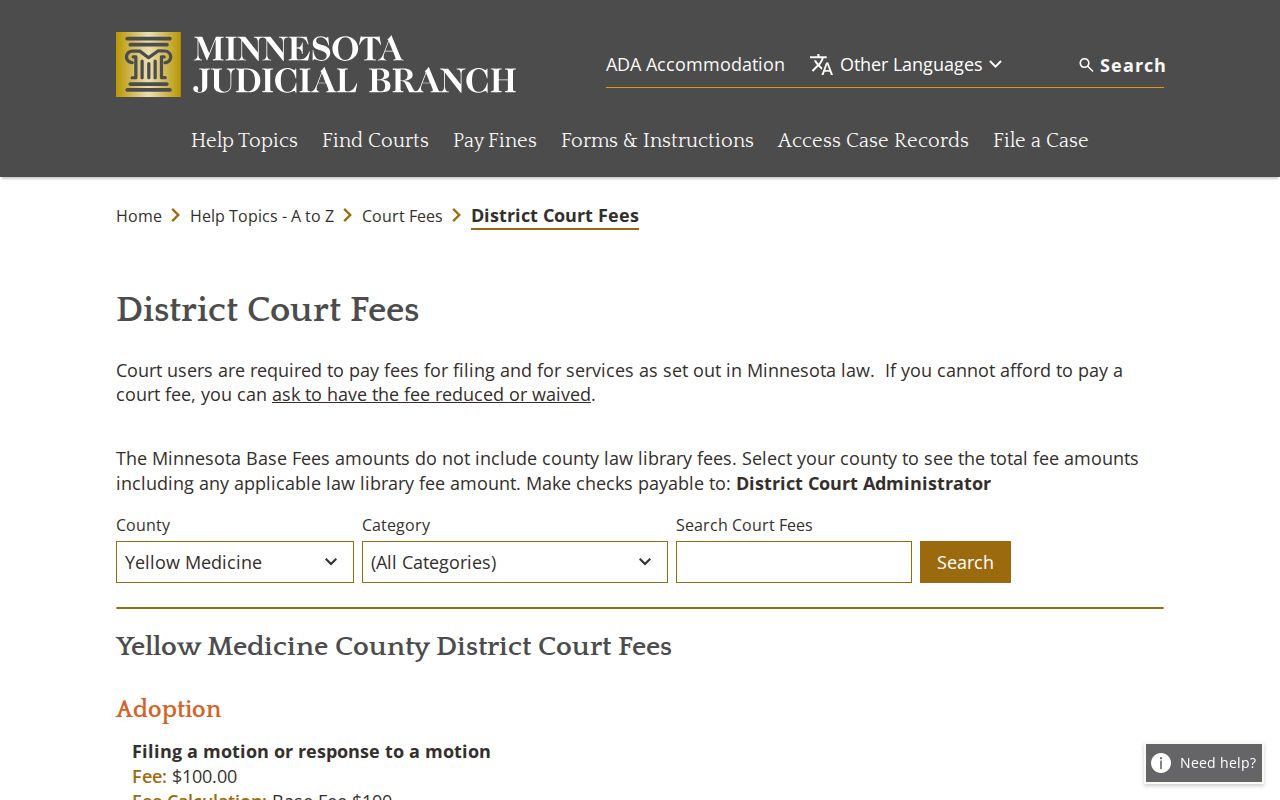
Those fee categories separate a free plain record from a certified or specially prepared court product. The court's certification is what makes a copy official. It is not the MCRO display.
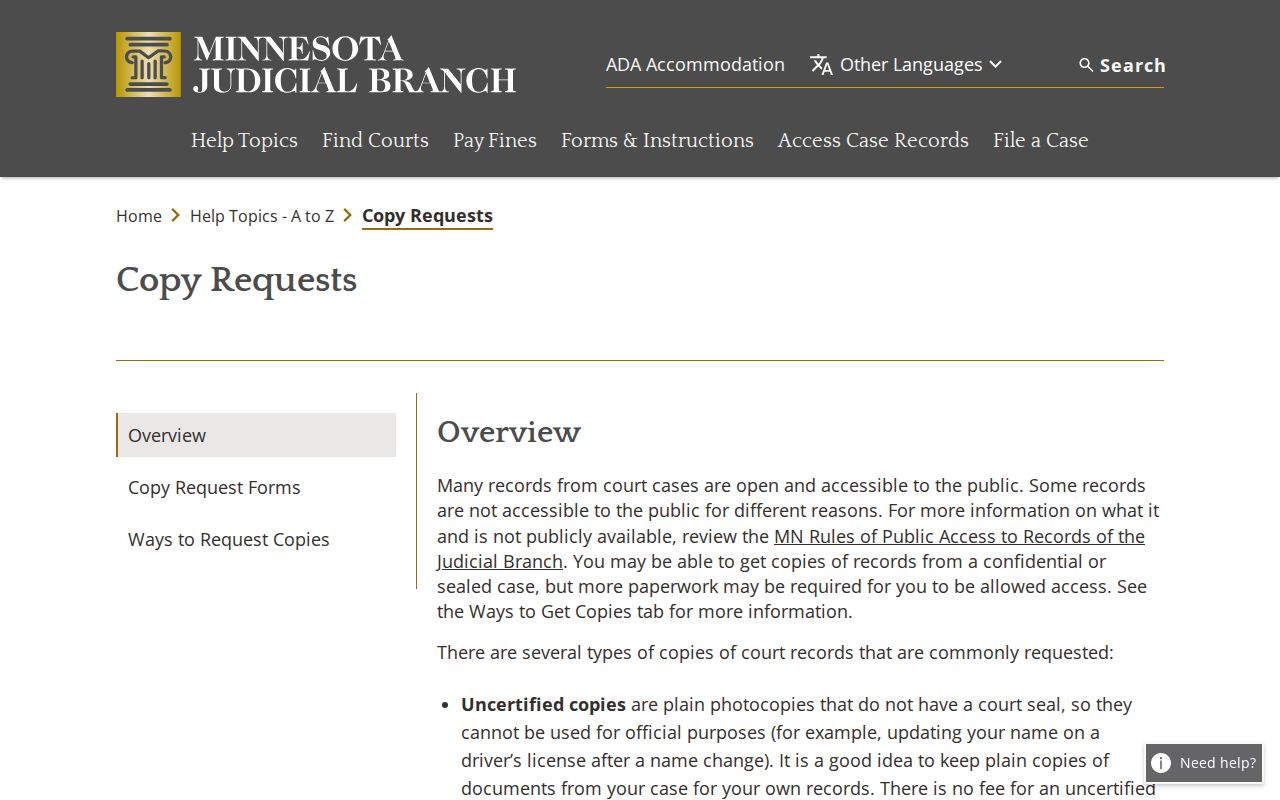
Requests go in person, by mail, and through eFiling in some circumstances, according to the official copy-request overview. Whatever the channel, the court needs certain details. Give the county, case number, party or case title without extra personal detail, the exact document, your plain or certified choice, a delivery method, and contact information.
Older or off-site civil files may take longer. Ask Yellow Medicine Court Administration whether same-day production is possible for yours. The courthouse sits at 415 Ninth Avenue, Granite Falls, MN 56241, and the local office answers at (320) 722-7002.
Yellow Medicine County Civil Form Details
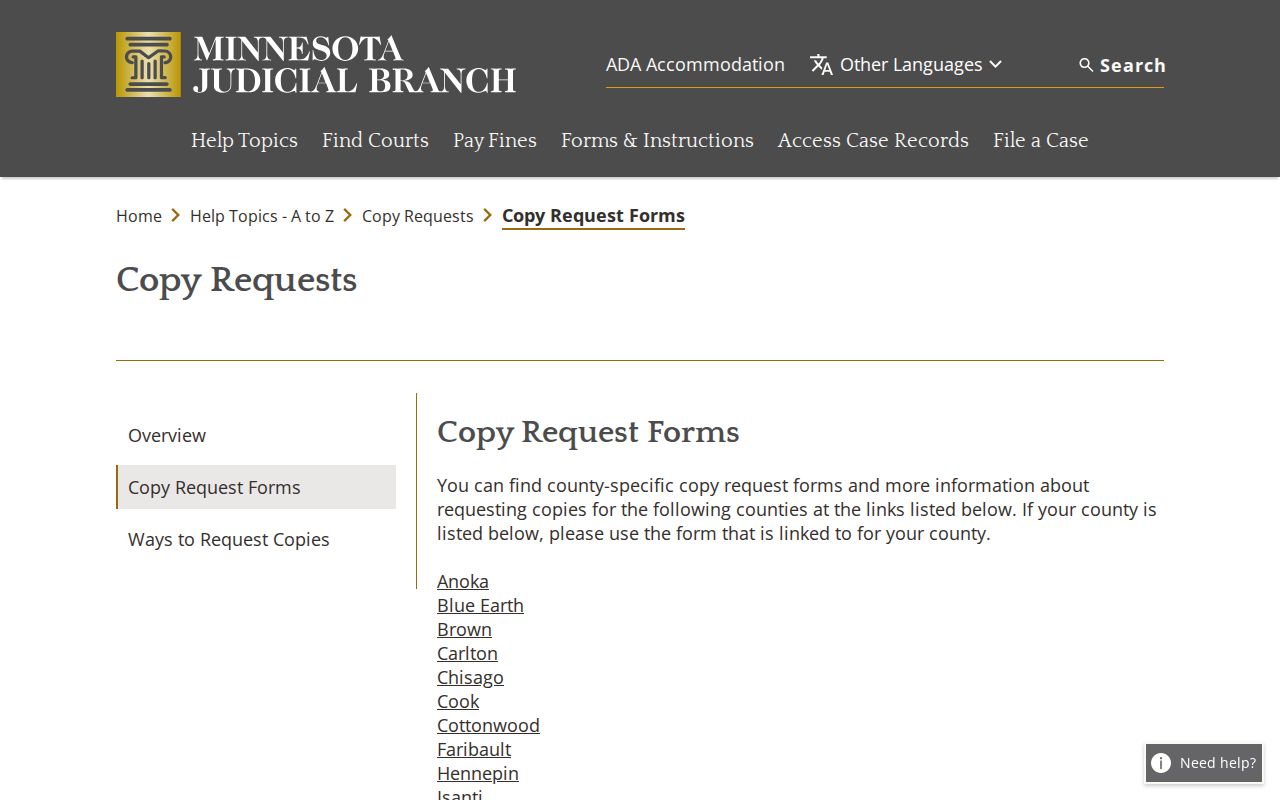
The state copy-request forms page posts no separate Yellow Medicine form. A sample state form can help you gather the right details, but it does not prove a local requirement exists. Call the local office to learn whether a form, a letter, or another path fits your particular civil record.
Talk to Court Administration before mailing a complicated request or any payment. Checks for certified or exemplified work go to District Court Administrator, and cash should never travel by mail.